When a solo bookkeeper expands into a multi-person bookkeeping firm, the operational complexity does not double—it multiplies.
In a boutique bookkeeping practice with two to five bookkeepers, managing client workflows across team members introduces two major operational bottlenecks:
- The Software Seat Trap: Enterprise accounting platforms and receipt-capture apps charge $30 to $50 per user every month. When firm owners bring on administrative assistants, part-time juniors, or freelance contractors just to collect and upload receipts, paying hefty monthly software seat fees creates unnecessary overhead. (With Transit Ledger, anyone—from client staff to junior assistants—can forward receipts directly into a client’s dedicated email alias without needing their own paid software login).
- The Delegation & Coverage Bottleneck: When bookkeeper Sarah manages Client Apex and bookkeeper Marcus manages Client Beacon, cross-coverage during holidays, sick leave, or tax season crunches becomes chaotic. If Sarah is away, Marcus either needs shared logins (a serious security risk), or client documents sit untouched until Sarah returns.
Most firm owners try to patch this with ad-hoc shared folders, forwarded email chains, or spreadsheet templates passed around on desktop computers. Inevitably, files get misplaced, receipt links break, and client records become co-mingled.
The Solution: Multi-User UI with Google Shared Drive™ Routing
Transit Ledger solves this firm-level delegation problem by combining independent user seats with centralized Google Shared Drive™ destinations.
Rather than locking client records inside proprietary software silos, your firm operates on native Google Workspace™ rails:
How the Multi-User Practice Workflow Operates
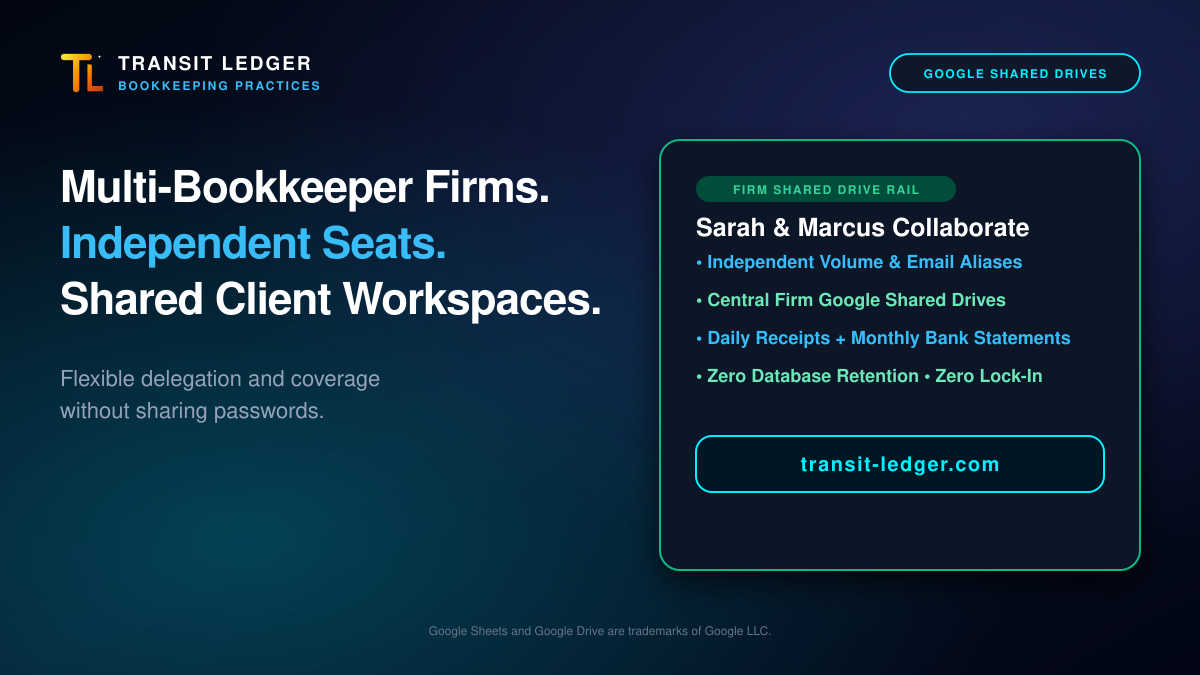
In this collaborative setup, each staff bookkeeper maintains their own independent workspace, while all client assets pool into structured firm storage:
1. Independent Processing Buckets & Aliases
Every bookkeeper has their own Transit Ledger user seat with their own dedicated monthly processing volume and intake alias. Sarah processes her clients using sarah+clientapex@..., while Marcus processes his using marcus+clientbeacon@.... There are no shared passwords or risky account handoffs.
2. Centralized Google Shared Drive Storage
Even though Sarah and Marcus operate from independent user seats, their Transit Ledger destinations point directly to common firm Google Shared Drives:
/Shared Drives/Client-Receipts/Client-Apex//Shared Drives/Client-Receipts/Client-Beacon/
Because Google Shared Drives belong to the firm rather than an individual’s personal Google Drive, client financial records never get stranded in someone’s personal account.
3. Direct Cross-Coverage & Delegation
When Sarah takes time off, Marcus does not need Sarah’s password. Marcus simply sets up Client Apex in his own Transit Ledger workspace and routes receipts directly into /Shared Drives/Client-Receipts/Client-Apex/.
When Sarah returns, all client files, receipts, and statement ledgers are sitting organized in the client’s shared workspace—exactly where they belong.
The Complete Practice Workflow: Daily Receipts + Monthly Statements
A professional bookkeeping engagement requires two distinct intake workflows: continuous daily receipt capture and structured month-end statement reconciliation. Transit Ledger organizes both cleanly inside the same client Google Shared Drive:
- Client Root Workspace:
/Shared Drives/Client-Receipts/Client-Apex/- 📊
TL-CLIENT-APEX-2026-LEDGER— Master Google Sheets expense ledger filed directly at the root of the client workspace. - 📁 Quarterly Receipts (
2026-Q4/): Continuous vendor invoices and daily receipts (e.g.,2026-10-14_Adobe_59.99.pdf,2026-10-18_DeltaAir_412.50.pdf). - 📁 Statements Archive (
Statements/2026/): Month-end bank and credit card statement accounts:- 📁
Chase-Checking-8022/- 📊
Chase-Checking-8022-Ledger(Google Sheets) - 📁
Source Documents/— Filed statement PDFs (e.g.,2026-09_Chase-Checking-8022.pdf).
- 📊
- 📁
Chase-Visa-Signature-9411/- 📊
Chase-Visa-9411-Ledger(Google Sheets) - 📁
Source Documents/— Filed statement PDFs (e.g.,2026-09_Chase-Visa-9411.pdf).
- 📊
- 📁
- 📊
Workflow A: Continuous Daily Receipt Intake
Throughout the month, client staff or firm bookkeepers forward vendor invoices and receipts to the client email alias. Transit Ledger parses line items, calculates applicable taxes, archives the original document into /Shared Drives/Client-Receipts/Client-Apex/2026-Q4/, and logs the row into the client’s Google Sheets ledger with a direct clickable link to the filed file.
Workflow B: Month-End Statement Balance Verification
At the close of each month, the bookkeeper drops the client’s multi-page bank or credit card statement PDF (e.g., Chase, Amex, or RBC) into Statement Mode:
- Multi-Page Extraction: Transit Ledger extracts all transactions across multiple statement pages, normalizing cryptic merchant codes into clean vendor names.
- Cardholder Separation: In multi-card corporate statements, transactions are split into dedicated cardholder tabs alongside a master summary sheet.
- Automated Balance Verification: The engine computes closing balances and flags variances. If the statement reconciles to the penny, it confirms $0.00 variance, giving bookkeepers immediate confidence before entering data into general-ledger software.
- Direct Google Drive Archiving: The verified statement PDF is archived directly into its designated account repository (
/Shared Drives/Client-Receipts/Client-Apex/Statements/2026/{account-4digits}/Source Documents/) with direct clickable spreadsheet links.
Distinct Team Roles: Full Practice Seats vs. Ingestion Workflows
In traditional software, anyone touching a receipt forces an expensive user license. Transit Ledger separates intake activity from practice management:
- Zero-Seat Ingestion for Juniors & Clients: If a junior bookkeeper or admin assistant gathers client receipts from vendor portals, supplier emails, or paper scans, they simply forward them to the lead bookkeeper’s client alias (e.g.,
sarah+clientapex@...). The documents are processed, filed into Google Drive, and logged in Google Sheets—without requiring an extra paid UI login. - Full Practice Seats for Lead Bookkeepers: Independent UI seats are reserved for team members (like Sarah and Marcus) who manage client workspace configurations, review ledgers, and run month-end multi-page bank statement reconciliations. Each seat adds dedicated monthly volume and independent email aliases.
- Shared Workspace Collaboration: Both lead bookkeepers write directly into common corporate Google Shared Drives without complex permissions management.
Scaling by Client Routing Capacity
Transit Ledger scales on active client routing capacity across our plans:
- Commute Plan: Designed for single-company operations routing to a personal Google Drive folder (Google Shared Drives are not supported on Commute).
- Express Plan: Includes multi-company routing for up to 5 companies or clients, with full Google Shared Drive support. This serves as the ideal entry point for boutique bookkeeping firms managing active client Shared Drives.
- Transit Plan: Scales up to 20 routed companies or clients with full Google Shared Drive support, designed for established bookkeeping practices running active retainer rosters.
- Overdrive Plan: Features unlimited companies or clients with full Google Shared Drive support for high-volume practices, CPA firms, and fractional CFO agencies.
When a client engagement wraps up or transitions, that client ledger can be archived, immediately freeing up routing capacity for your next client onboarding.
Summary Checklist for Bookkeeping Firms
- [x] Individual Autonomy: Each bookkeeper gets their own UI seat, volume capacity, and email alias—no shared logins.
- [x] Centralized Firm Storage: All client receipts and statements write directly to common Google Shared Drives.
- [x] Flexible Team Coverage: Reassign clients or cover sick leave without transferring files or credentials.
- [x] Unified Intake & Verification: Handles daily receipt intake and monthly multi-page statement balance verification in one place.
- [x] Zero Database Retention: Client financial records live exclusively in your firm’s Google Shared Drives and Google Sheets, never in an external database silo.
Explore multi-client routing blueprints and practice plans at transit-ledger.com.