In Canada, small business owners usually fall into one of two expensive receipt traps:
- The Shoebox & Glovebox Pile: Hoarding hundreds of thermal paper receipts from Home Depot, gas stations, and supply counters for years—only to open the box at tax time and find half of them faded blank.
- The Card Statement Assumption: Tossing the paper slip right at the pump or checkout counter, assuming a monthly credit card statement is enough for the Canada Revenue Agency (CRA).
Both habits quietly cost Canadian businesses money. One wastes hours reconstructing blank thermal strips; the other forces you to leave legitimate GST/HST Input Tax Credits (ITCs) unclaimed.
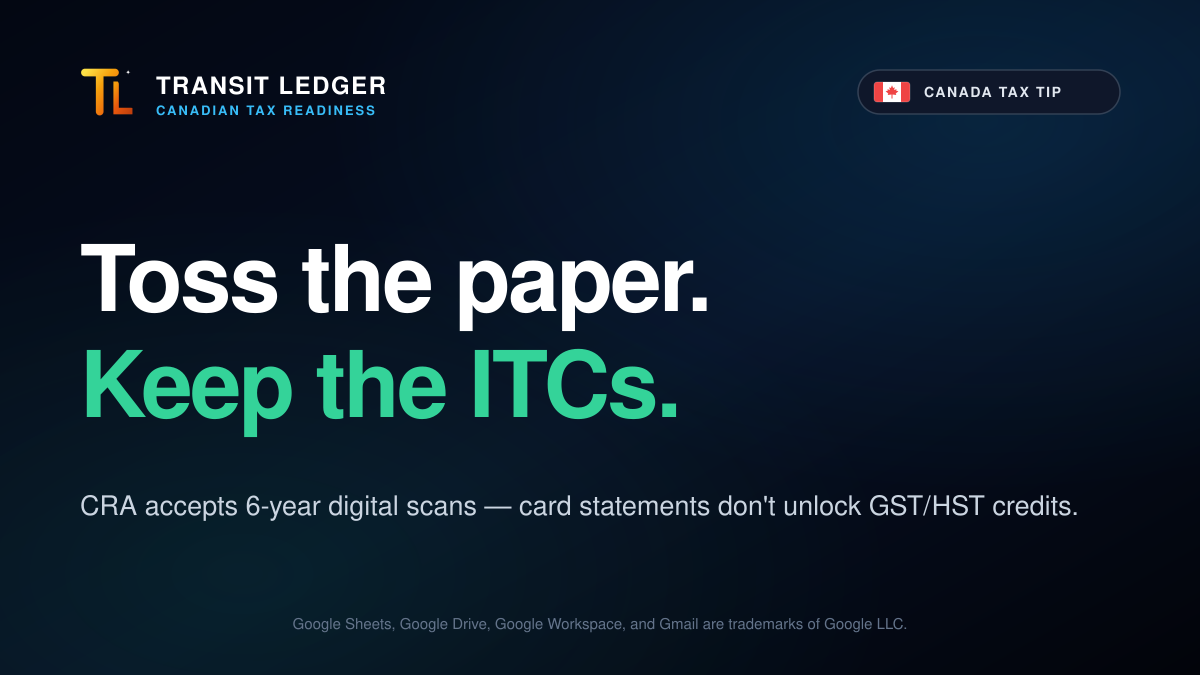
Rule 1: The CRA Accepts Digital Copies (Toss the Paper, Keep the Scan for 6 Years)
You do not need to store physical shoeboxes of curling thermal paper.
Once a paper receipt is clearly photographed or scanned and stored safely in digital form, the CRA accepts the electronic image as a valid business record. You can throw the thermal slip in the recycling bin the same day—as long as the digital file stays readable and accessible for 6 years from the end of the last tax year to which it relates.
That changes the daily habit completely: capture the receipt while it is still crisp and legible, file the digital copy into backed-up storage, and stop carrying paper around in your truck or jacket pocket.
Rule 2: Why Credit Card Statements Fail the GST/HST Input Tax Credit Test
If your business is registered for GST/HST, throwing away receipts and relying solely on bank or credit card statements creates an immediate problem.
A credit card statement only displays a single blended total (for example, $142.87 — HOME DEPOT #7012). It does not record the supporting documentation the CRA requires to claim GST/HST Input Tax Credits:
- Exact Tax Paid vs. Subtotal: A card statement never separates federal GST/HST from the pre-tax purchase amount.
- Provincial Sales Tax Separation: In provinces with non-recoverable PST, RST, or QST alongside GST, a blended card charge strips out the difference between recoverable federal tax credits and provincial sales tax.
- Vendor GST/HST Registration Number: For purchases of $30 or more, CRA rules require supporting receipts that show the supplier’s name, date, total, tax charged, and the vendor’s GST/HST registration number.
Without the actual receipt copy showing the tax breakdown and vendor registration details, you either forfeit valid Input Tax Credits or pay a bookkeeper hourly rates to chase down missing invoices months later.
What a Real 6-Year CRA Receipt System Actually Requires
Most receipt tools break down for Canadian small businesses because they miss how receipts are actually collected in the field and reviewed at tax time:
- Zero-Friction Capture in the Field: If saving a receipt requires opening a bloated app, logging in, and picking accounting categories in a parking lot, thermal slips end up right back in the truck glovebox.
- Structured Tax Isolation (Not Just a Folder of Photos): Dumping 400 unnamed photos into a folder still leaves you or your bookkeeper manually keying in dates, vendors, pre-tax subtotals, and separating GST/HST from provincial PST at tax time.
- Direct 6-Year File Ownership: When receipts live inside a third-party app’s proprietary vault, your 6-year CRA archive is tied to that vendor’s platform. Keeping the actual PDFs and images inside your own Google Drive™ means your records stay in your hands permanently.
A Clean 6-Year Archive in Google Drive and Google Sheets
Transit Ledger replaces the shoebox pile and manual spreadsheet entry by running directly inside your existing Google Workspace™ account—with Zero Database Retention.
Whenever you snap a receipt photo on your phone, receive an emailed invoice in Gmail™, or use Outlook and forward the receipt to your Transit Ledger email alias, it routes directly into your ledger:
- Works with Gmail, Outlook, or Your Phone Camera: Log emailed invoices straight from Gmail, snap paper receipts with your phone, or forward receipts from Outlook (or any email client) to your dedicated Transit Ledger email alias.
- 6-Year Ownership in Your Own Google Drive: Every receipt image or PDF is filed straight into your designated Google Drive folders. Your digital records remain permanently in your own storage for the full 6-year CRA retention window and beyond.
- Dual Canadian Tax Splitting (GST/HST vs. PST): Transit Ledger automatically isolates federal GST/HST (claimable as Input Tax Credits) from provincial sales taxes (BC/SK/MB PST) into dedicated columns in Google Sheets.
- Direct Clickable Links to Filed Receipts: Each transaction row logs the date, vendor, pre-tax subtotal, isolated GST/HST, PST, total, and a direct clickable link opening the filed receipt copy in your Google Drive.
- $0 Collaborator Seat Fees: Unlimited team members, partners, or truck drivers can email receipt photos from their phone camera without adding per-user software licenses.
You get the paper off your dashboard the same day, preserve every dollar of GST/HST Input Tax Credits, and keep every file inside your own Google Drive for your accountant or bookkeeper at year-end.
Ready to Ditch the Shoebox?
- Install Transit Ledger on Google Workspace Marketplace
- Connect your Google account and explore Canadian tax workflows at transit-ledger.com
- Related reading: Automatic Tax Splitting: Multi-Currency & Tax Credits in Google Sheets
Google Sheets, Google Drive, Google Workspace, and Gmail are trademarks of Google LLC.